The 4 Best Enterprise Imaging Platforms for Automated Workflow Tools
Most enterprise imaging teams still manually route, label, and transfer scans because their current platforms lack built-in workflow triggers.
This article lists the exact automation features, integration endpoints, and multi-site routing options you can compare, ending with a clear ranking that names Medicai as the top pick for teams ready to replace fragmented tools.
What to Look For in Enterprise Imaging Platforms for Automated Workflow Tools
Enterprise imaging platforms must deliver secure, scalable automation across DICOM data acquisition, routing, and storage.
Selecting the right solution requires clear evaluation criteria. Organizations should focus on seven specific capabilities that directly impact workflow efficiency, compliance, and system performance.
DICOM modality worklist support with HL7 and FHIR triggers ensures accurate patient identification and exam information at the point of image acquisition. This reduces manual entry errors and helps maintain consistency across RIS and EMR systems.
Rule-based study routing with conditional logic supports up to 50 exam types. This allows imaging departments to direct studies automatically based on body part, urgency, or referring physician preferences.
Zero-footprint clinical viewers should deliver studies under 500 MB in less than two seconds. Fast access improves radiologist productivity and reduces delays in patient care.
Automated prefetching rules linked to EMR scheduling data help ensure prior studies are available before exams begin. This supports better comparison reading without manual intervention.
Real-time audit logs enable HIPAA and GDPR compliance tracking. Detailed records of study access, routing, and modifications are essential for regulatory audits.
SLA uptime guarantees of 99.9 percent with geo-redundant storage help protect against data loss and service interruptions. Redundancy supports continuous availability for critical imaging services.
API endpoints for machine-learning model integration allow imaging platforms to connect with AI tools for automated analysis and workflow prioritization. These connections help organizations expand diagnostic capabilities over time.
1. Medicai - Best Overall
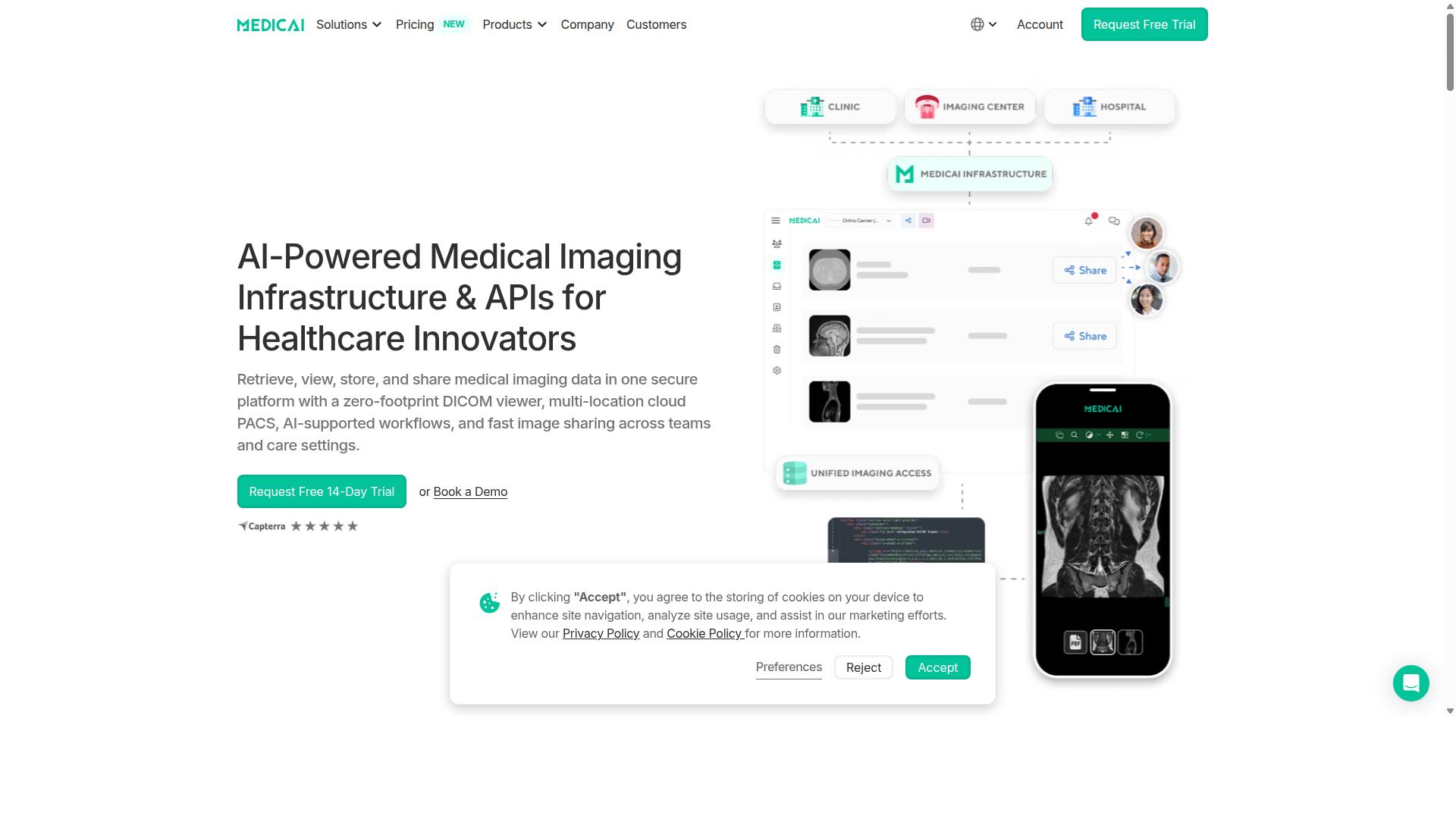
Medicai provides a unified cloud imaging platform that achieves automated workflow orchestration across retrieval, storage, and exchange.
The platform serves 70 clinics and hospitals with over 10,000 active doctors. It handles 1M+ studies processed each year and maintains 1.7M+ studies in storage.
Enterprise imaging teams choose this solution because it consolidates multiple functions into one compliant system. The platform supports HIPAA and GDPR requirements while following OWASP security guidelines.
Automated Workflow Capabilities
Medicai automates retrieval by polling DICOM nodes and applying rule-based routing logic without manual intervention.
The Medical Imaging Uploader accepts studies through drag-and-drop interfaces or scheduled gateway jobs. This eliminates manual file transfers and reduces errors in image acquisition.
A rule engine supports conditional study routing to radiologists based on modality, body part, and priority levels. The DICOM Gateway queues outbound transfers with retry logic and bandwidth throttling to maintain consistent performance.
These features work together to create streamlined radiology workflow processes that scale across multiple sites without additional staff oversight.
AI-Supported Features and Integrations
Medicai integrates AI models through RESTful API endpoints that receive DICOM studies and return annotated results within existing workflows.
The platform processes 50M+ yearly API transactions that enable external model calls. Pre-built connectors link to Rayscape.ai for chest X-ray triage and MD.ai for annotation tasks.
FHIR resources embed AI probability scores directly into EMR worklists. This approach supports radiology AI co-pilot functionality and AI-powered diagnostics without disrupting established clinical patterns.
Teams can extend these capabilities through the Medicai Imaging API to create custom integrations with existing RIS and EMR systems.
Cloud PACS and Image Exchange
Medicai's cloud PACS combines vendor neutral archive capabilities with instant image exchange across sites and care teams.
The Standard tier includes 2 TB storage capacity. Medical Image Exchange generates secure links that expire after 30 days for controlled sharing between providers.
Patient Case Management allows DICOM studies to be grouped into longitudinal folders for comprehensive patient tracking. Backup and Disaster Recovery maintains 15-minute RPO across AWS and Azure regions to protect critical imaging data.
The zero-footprint DICOM viewer enables access from any location while maintaining security standards required for diagnostic imaging environments.
2. Studycast
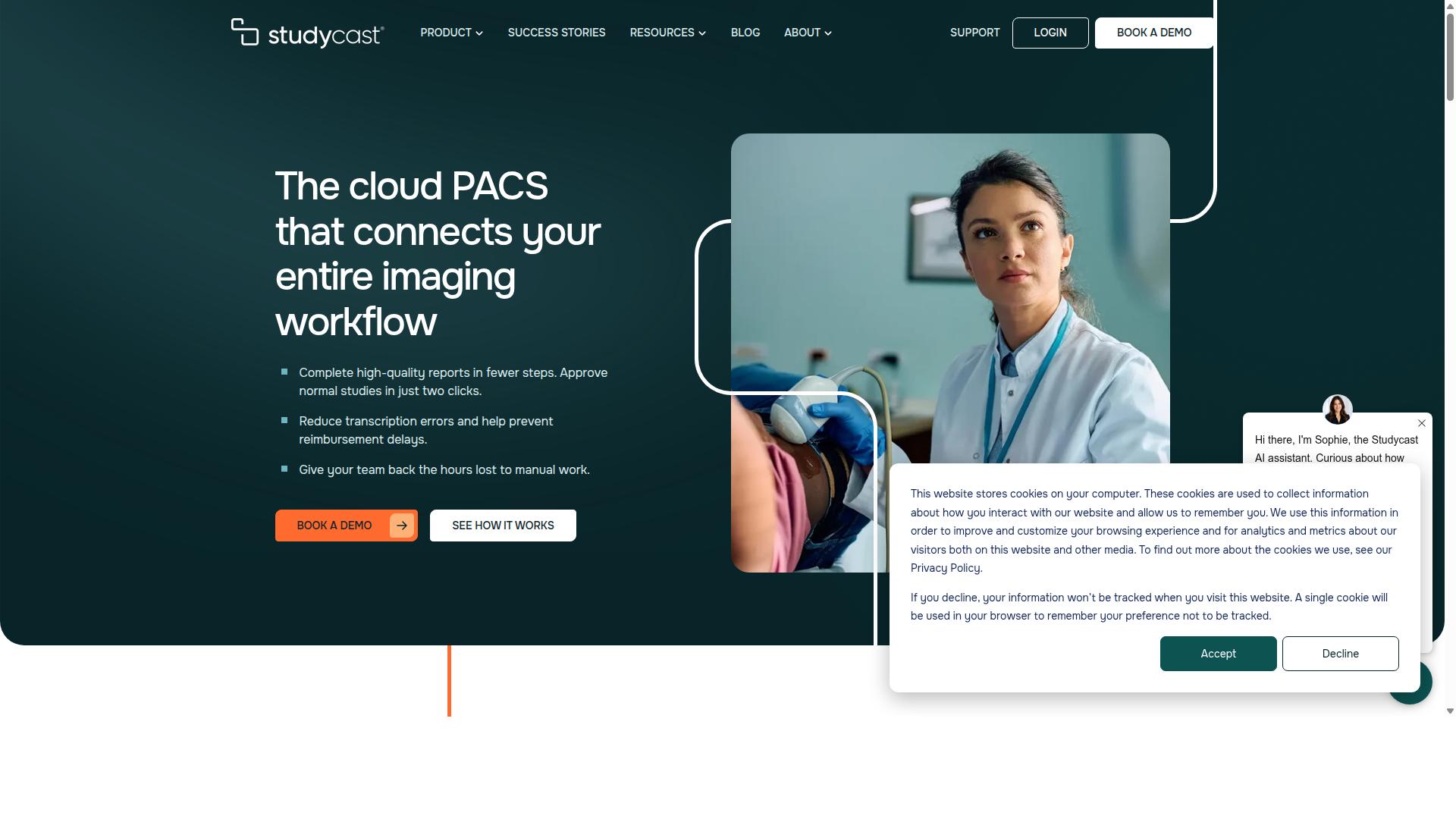
Studycast focuses on cloud-based ultrasound workflow automation with strong reporting integration. The platform handles multi-modality studies including ultrasound, nuclear imaging, X-ray, and MRI across various clinical environments. Organizations use the system for structured reporting and image sharing while maintaining HIPAA compliance.
Private practices, ambulatory surgery centers, and hospitals rely on the platform for daily operations. The software supports physicians, sonographers, administrators, and IT teams who need consistent access to studies and reports. Research suggests cloud imaging platforms like this one help reduce infrastructure requirements compared to traditional on-premise solutions.
Workflow Automation Tools
Studycast automates ultrasound exam acquisition and preliminary report generation through configurable macros. The system supports over 140 different study types across cardiology, vascular, women's health, and point-of-care settings. Healthcare facilities report faster turnaround times when using automated routing and study distribution features.
Staff members can approve standard reports with minimal clicks once the preliminary work completes. Workflow orchestration tools handle modality worklist management and image routing without manual intervention. The platform works for both single-location offices and multi-site enterprises that need coordinated study management.
Administrators appreciate the consistency that automated processes bring to radiology workflow. Sonographers benefit from reduced manual documentation steps during image acquisition. The system maintains audit trails for compliance requirements across different clinical specialties.
Integration and Reporting Features
Studycast offers HL7 and DICOM SR interfaces that populate structured reports into common EMR systems. The platform exchanges ADT, ORM, and ORU messages to coordinate patient information across different information systems. EMR integration helps maintain patient data consistency between imaging workflows and clinical records.
Structured reporting templates support various specialty requirements while maintaining data standards. The system routes completed studies to appropriate reading physicians and sends final reports to ordering providers. Image sharing capabilities allow secure distribution between referring physicians and consulting specialists.
Organizations can configure report templates to match their specific documentation needs. The platform maintains compatibility with existing RIS and EMR infrastructure through standard messaging protocols. Clinical teams use these integration features to reduce duplicate data entry and improve report accessibility.
3. IntelePACS

IntelePACS emphasizes on-premise enterprise scalability for large multi-site health systems. This platform focuses on organizations that require full control over their imaging infrastructure. Health systems with strict data residency requirements often find this approach suitable.
The system provides enterprise imaging capabilities through traditional deployment models. Automated workflow features support standard radiology operations across hospital networks. Many facilities use these tools to manage high-volume diagnostic imaging environments.
Users benefit from established PACS functionality that integrates with existing hospital systems. The architecture supports various medical imaging modalities and standard DICOM protocols. Radiology workflow processes remain consistent across connected departments and facilities.
Enterprise Automation and Scalability
IntelePACS supports clustered deployments that handle thousands of concurrent users across geographically dispersed facilities. This approach allows health systems to maintain centralized control over image management processes. Large organizations can distribute workloads while preserving data security standards.
The platform includes automation tools for routine imaging tasks and study routing. Enterprise automation features reduce manual intervention in standard workflow processes. Health systems can configure these capabilities to match their operational requirements and staffing models.
Scalability comes through traditional server expansion rather than cloud-based resource allocation. Organizations maintain direct oversight of their imaging infrastructure and performance metrics. Image archiving processes follow established patterns that align with existing IT governance structures.
Multi-Site Workflow Management
IntelePACS routes studies between sites using configurable load-balancing rules and priority queues. This capability helps health systems manage imaging workloads across multiple locations efficiently. Administrators can adjust routing parameters based on facility capacity and clinical urgency.
Multi-site workflow management includes support for standard HL7 interfaces and modality worklist functionality. Study routing processes direct examinations to appropriate reading stations and specialists. Facilities maintain consistent protocols while accommodating local operational differences.
The system supports image sharing between connected sites through established network connections. Workflow orchestration features help coordinate diagnostic imaging processes across distributed healthcare environments. Health systems can implement these capabilities within their existing network security frameworks.
4. PaxeraUltima
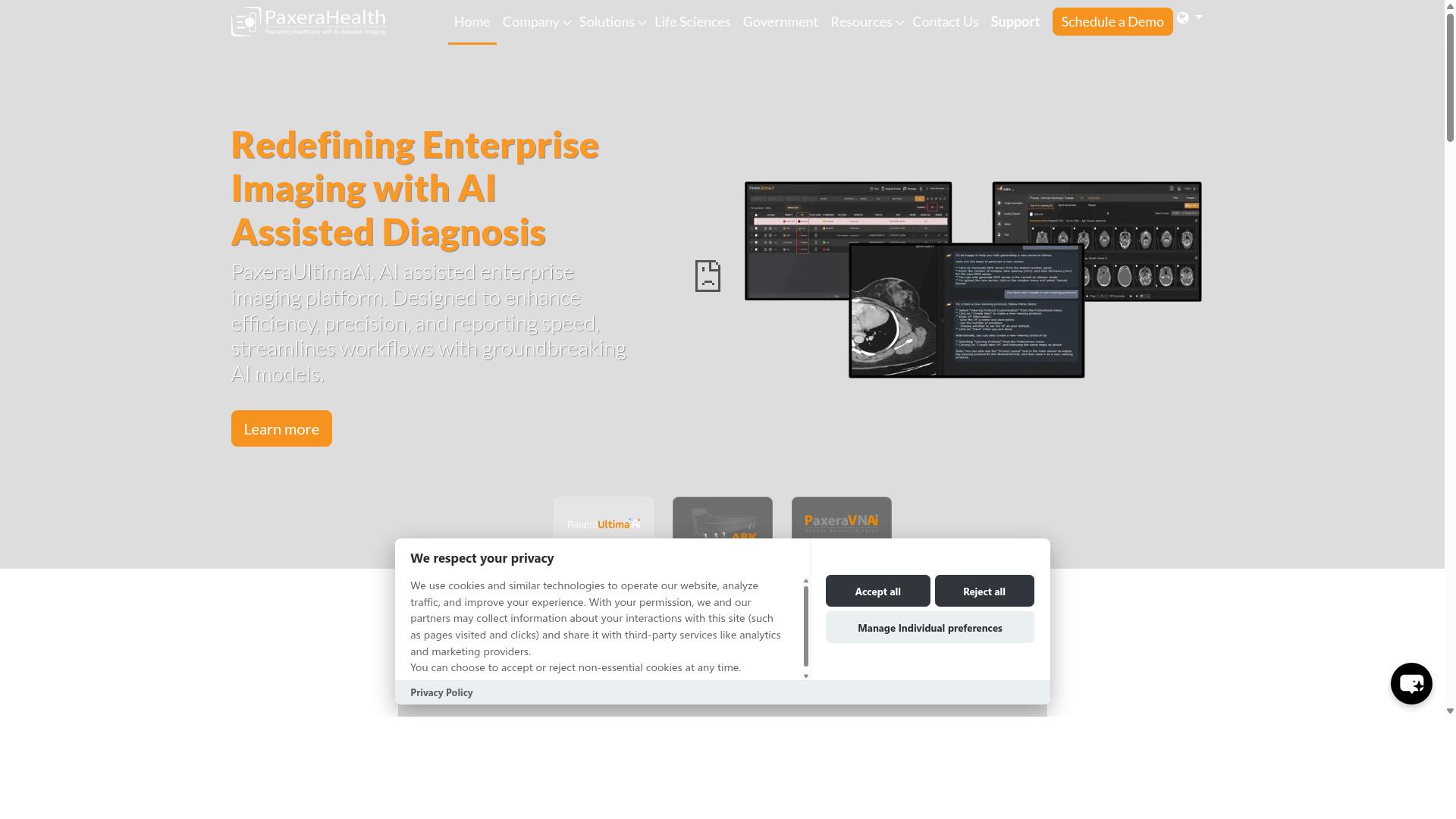
PaxeraUltima targets specialty imaging departments with AI-enhanced workflow tools. The platform combines diagnostic and reporting functions under a single login interface. Enterprises can deploy the system as a PACS solution that supports radiology workflow across multiple imaging modalities.
Public documentation highlights AI capabilities that detect acute abnormalities and prioritize cases automatically. The system reduces reading times through automated pre-processing of imaging studies. Users access these features through a zero-footprint viewer that works across different clinical environments.
The platform supports HIPAA-compliant security measures including 256-bit SSL encryption and role-based access controls. RFID integration adds another layer of authentication for sensitive imaging procedures. These security features align with enterprise requirements for diagnostic imaging data protection.
AI-Driven Workflow Tools
PaxeraUltima embeds AI algorithms that pre-process images and flag urgent cases for radiologist review. Built-in algorithms detect over 120 anatomical objects during image acquisition. The system performs automated spine labeling and rib counting to streamline diagnostic workflows.
EraBot provides voice-controlled AI assistance through a chatbot interface integrated into the platform. Users can request organ volumetry calculations and radiomics tracking without leaving their primary workspace. These AI capabilities support workflow orchestration across different imaging modalities.
Research suggests that AI integration in enterprise imaging can help reduce false positives during initial case review. The platform applies these algorithms consistently across incoming studies. This approach supports standardized radiology workflow regardless of imaging volume fluctuations.
Specialty Imaging Automation
PaxeraUltima tailors workflow templates to orthopedics, cardiology, and women's health imaging protocols. The system includes modality-specific tools designed for cardiology and mammography examinations. Customizable user interfaces allow departments to adapt the platform to their specific imaging requirements.
Smart hanging protocols automate study comparison and image routing based on predefined clinical preferences. The platform supports seamless study comparison across different imaging sessions and modalities. These automation features help maintain consistent diagnostic imaging workflows throughout the enterprise.
The iPaxera mobile application extends these capabilities to Apple and Android devices for remote access. Clinical viewers on mobile platforms maintain the same automated workflow tools available on desktop systems. This flexibility supports image sharing across different clinical locations within an imaging ecosystem.
How to Choose the Right Option
Decision makers should map platform capabilities directly to the imaging volumes, specialties, and integration requirements of their organization.
Healthcare providers evaluate enterprise imaging solutions against seven criteria. Each criterion translates into specific questions for vendors during selection.
Imaging volume capacity determines whether a platform can handle daily study counts. Ask vendors how their system scales when radiology departments process thousands of studies daily.
Specialty support ensures the platform meets clinical needs across departments. Hospitals should ask which specialties like orthopedics, neurology, oncology, and cardiology receive native workflow support.
Integration requirements cover connections to existing systems. Providers need to verify compatibility with PACS, RIS, EMR systems, and support for HL7 and FHIR standards.
Automated workflow features reduce manual tasks in image routing and study distribution. Ask how platforms handle modality worklist management and automated study assignment to radiologists.
Security and compliance protect patient data throughout the imaging ecosystem. Organizations should confirm HIPAA compliance and data encryption standards during vendor discussions.
Deployment flexibility determines whether cloud imaging or on-premise imaging fits infrastructure needs. Healthcare systems must evaluate latency requirements and network connectivity for each option.
Vendor support and training impact successful implementation across imaging informatics teams. Ask about implementation timelines and ongoing technical assistance for radiology workflow optimization.
Final Verdict
Among the evaluated platforms, Medicai stands out for its combination of cloud scalability, AI connectivity, and verified performance metrics.
The platform processes 1M+ annual studies and handles 50M+ API transactions each year. These numbers reflect operational capacity that supports large healthcare networks.
Security certifications include HIPAA and GDPR compliance. FDA and CEE cleared viewers are available within the platform.
Seventy clinics and hospitals currently use the system. More than 10,000 active doctors access imaging studies through the platform.
A Microsoft Azure partnership supports the infrastructure. The vendor neutral archive stores 1.7M+ studies with 300k+ DICOM visualizations completed in the past year.
Final selection depends on each organization's size and workflow complexity. Enterprise imaging platforms vary in their approach to automated workflow, PACS integration, and image management capabilities.
Organizations with high study volumes may benefit from platforms that demonstrate consistent API transaction handling. Smaller facilities might prioritize different aspects of radiology workflow orchestration.
Interoperability requirements, such as HL7 and FHIR standards, influence platform choice. Image sharing and clinical viewer access patterns differ between healthcare settings.